Webmail over HTTPS for domains whose website is hosted elsewhere: when only mail and webmail.<domain> point at this server, webmail.<domain> can be ticked under Let's Encrypt on the website's SSL/TLS page (and free SSL adds it by itself); the webmail then uses any certificate of the subscription that covers it. Domains with mail also get webmail.<domain> offered for their own certificates.
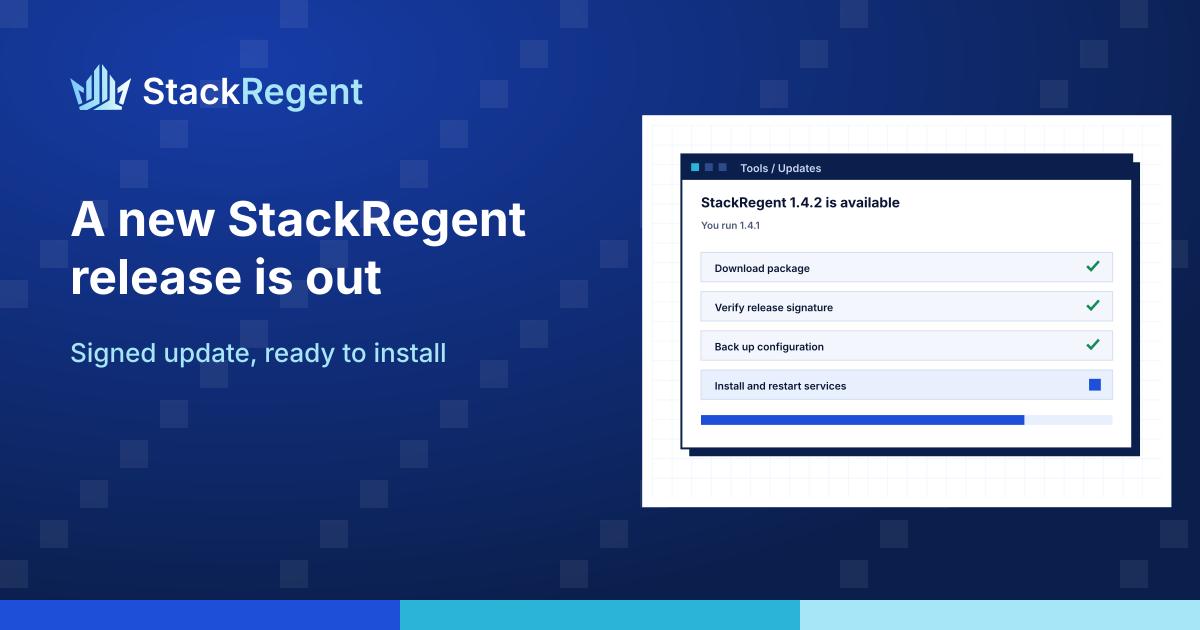
SSL/TLS: mail (SMTP, IMAP, POP3) and FTPS present one certificate for the whole server. On a website's SSL/TLS page, Certificates of mail and FTP now lists only server pool certificates and explains this; choosing a website's own certificate gave an unclear error. Also includes 0.17.16: on Windows Server 2016 the installer installs .NET Framework 4.8.
Windows Server 2016: the installer now installs .NET Framework 4.8 from Microsoft (download signature checked) when the server still has 4.6.2, before adding IIS, so ASP.NET 4.8 sites run. Restart Windows when the installer asks, to finish it. No change for Windows Server 2019, 2022 and 2025.
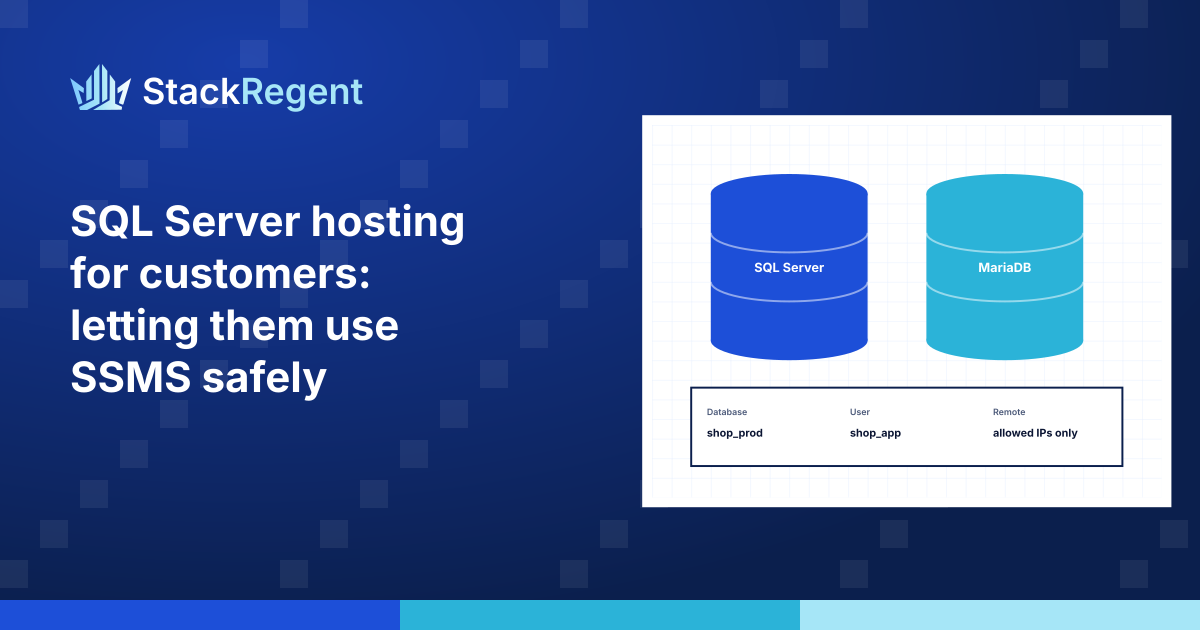
How to give hosting customers SQL Server databases they can open in SQL Server Management Studio without seeing each other's databases, and without opening port 1433 to every password guesser on the internet.
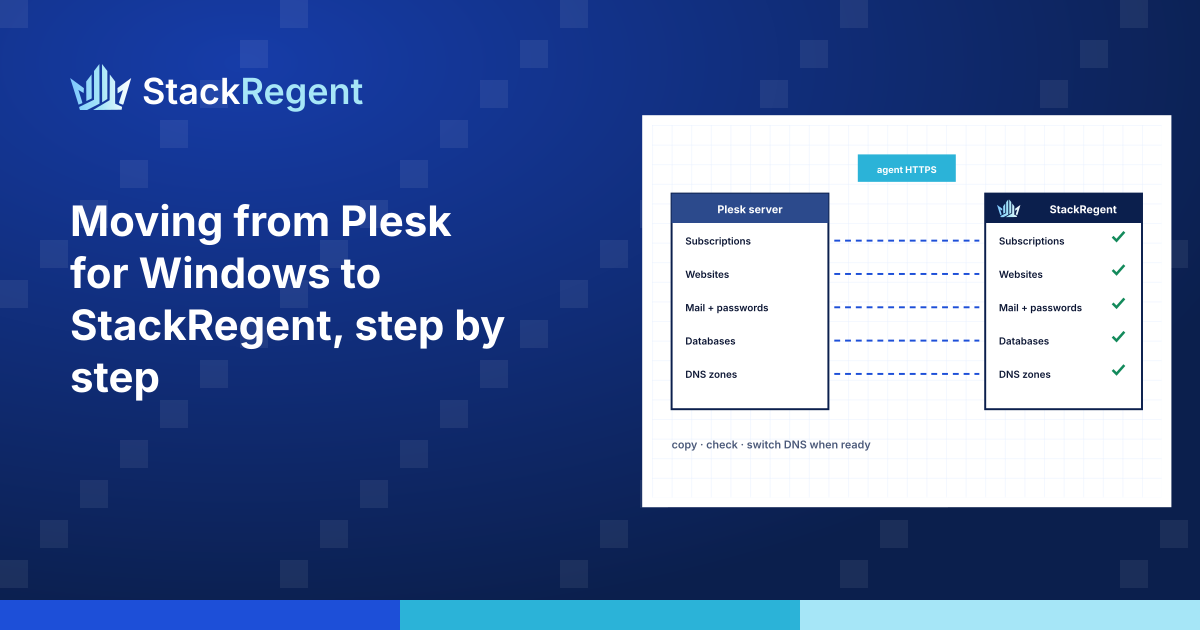
A practical walk-through of a server move from Plesk for Windows to StackRegent, from inventory and a pilot subscription to the final re-sync and DNS switch, with the decisions you will face along the way.
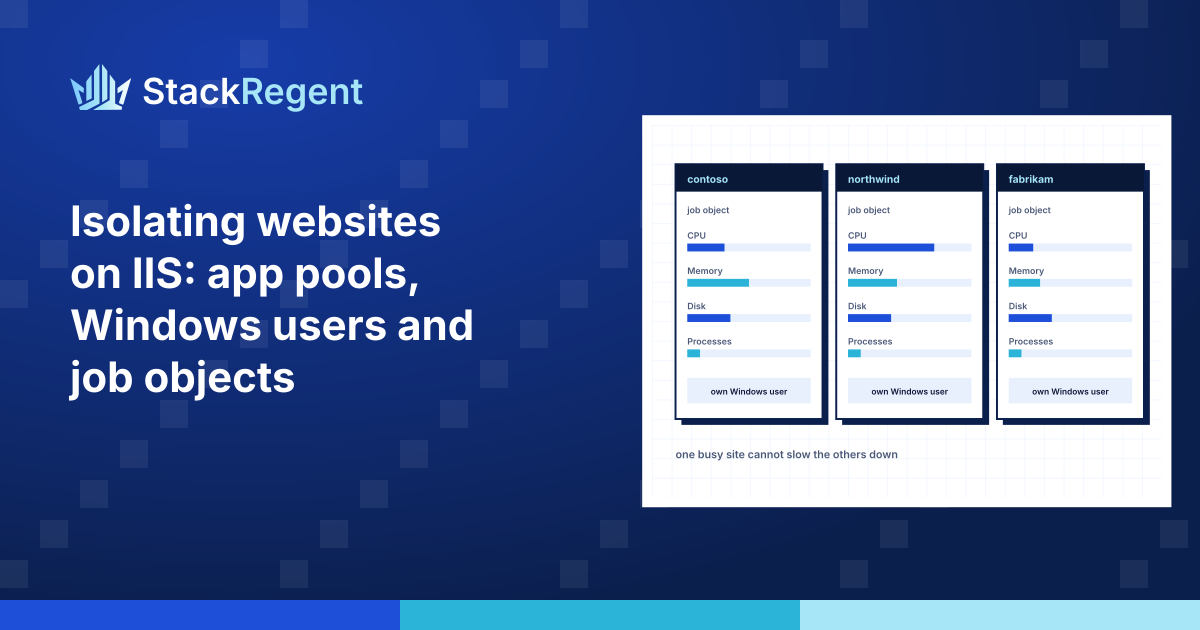
How to keep hosting accounts apart on a shared IIS server with an application pool and Windows user per subscription, tight NTFS permissions, and job objects that cap CPU, memory, disk I/O and processes.
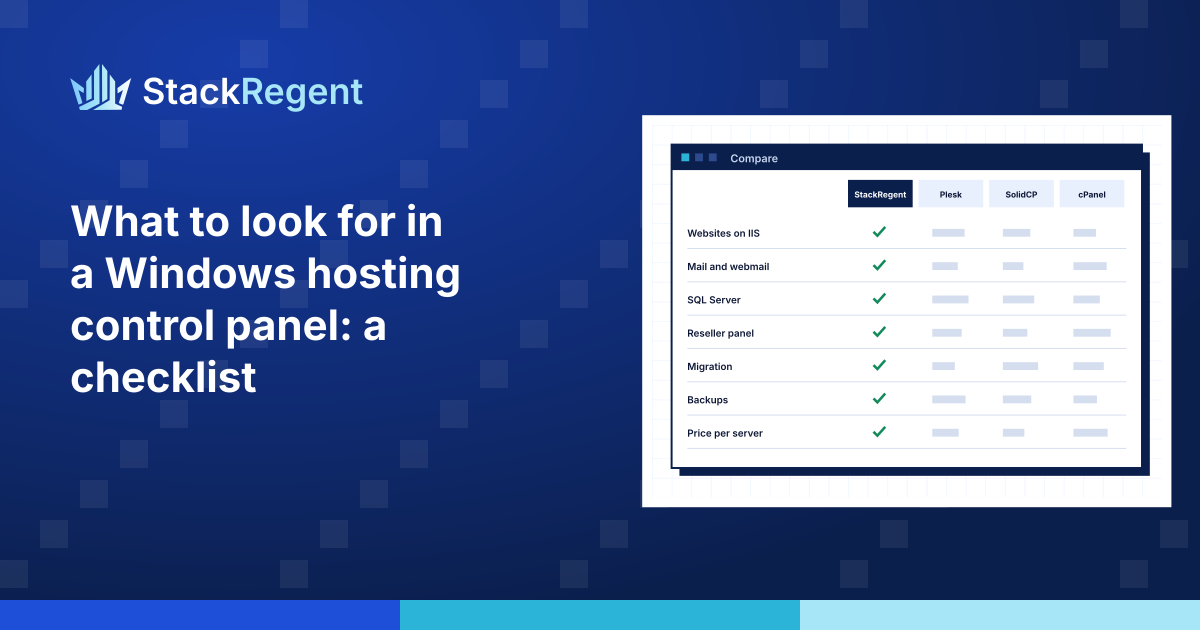
Fourteen questions to ask before you choose a Windows hosting control panel, from how it isolates accounts on IIS to what happens to your customers' sites if the license lapses.