· StackRegent Team · 1 min read
StackRegent 0.17.18 released
Webmail over HTTPS for domains whose website is hosted elsewhere: when only mail and webmail.<domain> point at this server, webmail.<domain> can be ticked under Let's Encrypt on the website's SSL/TLS page (and free SSL adds it by itself); the webmail then uses any certificate of the subscription that covers it. Domains with mail also get webmail.<domain> offered for their own certificates.
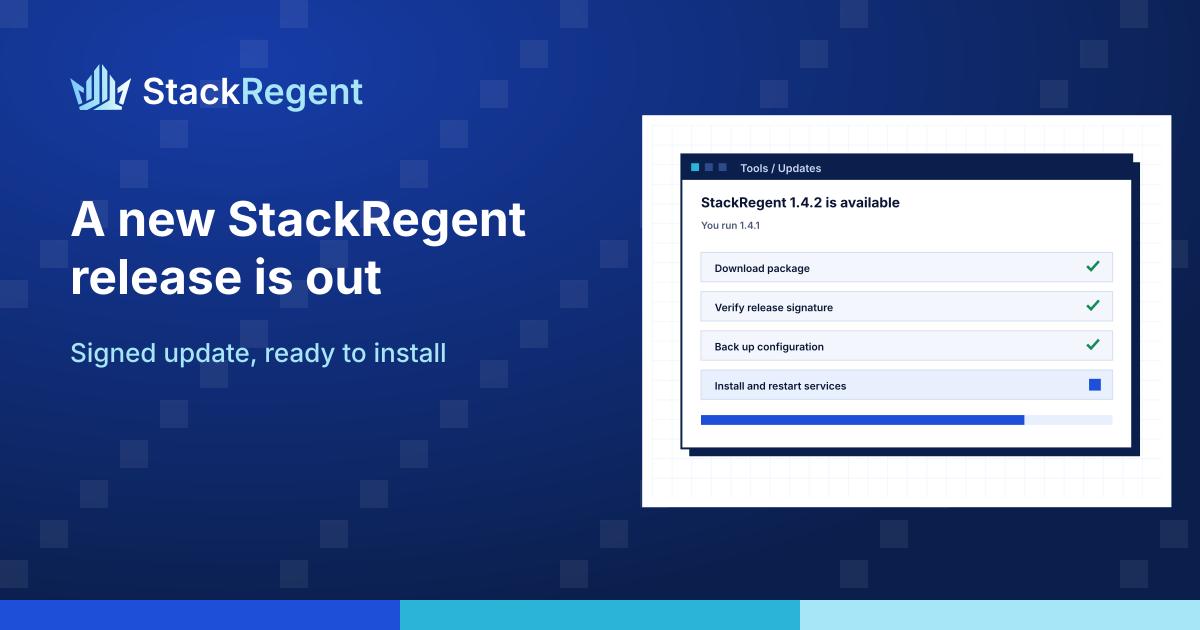
StackRegent 0.17.18 is out for every licensed server. Your panel finds it at its next update check, and you install it from Tools & Settings > Updates in the administrator panel.
What is new in 0.17.18#
Webmail over HTTPS for domains whose website is hosted elsewhere: when only mail and webmail.<domain> point at this server, webmail.<domain> can be ticked under Let's Encrypt on the website's SSL/TLS page (and free SSL adds it by itself); the webmail then uses any certificate of the subscription that covers it. Domains with mail also get webmail.<domain> offered for their own certificates.
How to update#
- Open Tools & Settings > Updates and click Check now.
- Click Install. The panel restarts for a few seconds; websites, mail and DNS keep running during the update.
- Check the version shown at the foot of the panel.
Every release is signed with the StackRegent release key, and the panel installs it only when the size, SHA-256 and signature match. Read the full release notes, the changelog and the updating guide. New to StackRegent? Start a free trial on your own Windows Server.