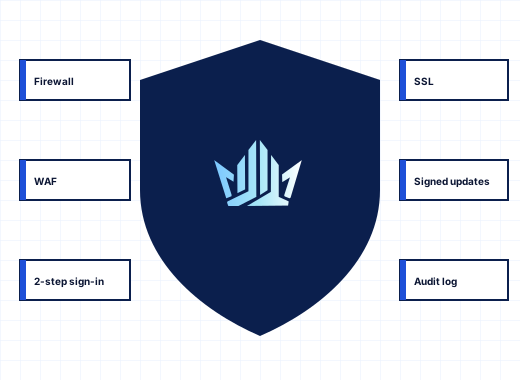
What a secure Windows hosting panel has to cover#
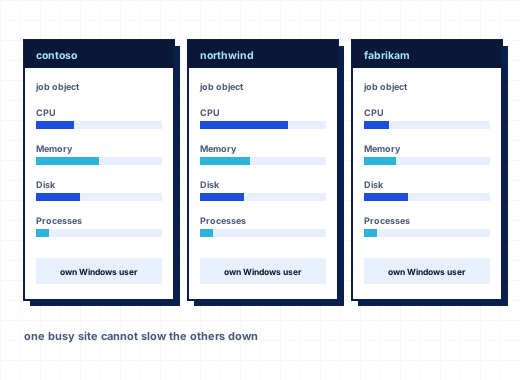
A hosting server is exposed on more fronts than most Windows machines: Remote Desktop, the panel, FTP, three mail protocols, database ports and hundreds of customer websites with their own plugins. StackRegent puts the tools that defend each of them in the Security group of Tools & Settings, so the policy for the whole server is visible on a few pages. The same panel isolates subscriptions from each other and caps their resources, which is covered on resource limits and isolation.
Windows Firewall management with automatic rollback#
Tools & Settings › Firewall manages Windows Defender Firewall on all network profiles. For each service you choose who may connect: Everyone, Only these addresses or Nobody. The services covered are the panel, Remote Desktop, websites, Website Preview, FTP, Web Deploy, SMTP, POP3, IMAP, DNS, MariaDB and SQL Server. You can also answer or ignore pings and add your own rules with direction, action, protocol, ports and remote addresses.
The part that matters on a remote server is how changes are applied:
- Make your changes; the page shows them as not active yet.
- Click Activate.
- When the new rules are live, a dialog asks Keep the new firewall settings? Click Keep these settings.
If nobody answers within 60 seconds, for example because the new rules cut off your own connection, the previous settings come back by themselves. A typing mistake in an address list therefore costs a minute, not a trip to the data center or a support ticket to your provider. If you are locked out anyway, stackregent firewall-reset on the server console restores access.
Panic mode is for an attack in progress. It blocks everything except the panel and Remote Desktop: websites, mail, FTP, DNS and database connections stop until you switch it off. It goes through the same confirmation and rollback.
IP address banning against brute-force logins#
IP Address Banning watches failed logins and bans addresses that keep failing, through Windows Firewall. It runs as its own Windows service, the StackRegent Brute-force Guard. Each source has its own threshold, ban after N failures within N minutes:
- Remote Desktop and Windows logons
- the StackRegent panel
- FTP
- SMTP, POP3 and IMAP
- password-protected website directories
- Microsoft SQL Server (Application event 18456)
- MariaDB (Access denied in its error log)
Bans last a set number of minutes or until removed. Administrators can ban an address by hand for an hour, a day, a week or permanently, and unban from a filterable list. Trusted Addresses are never banned; the server's own addresses and addresses with an open panel session are always trusted, so an administrator mistyping a password is not locked out while logged in elsewhere. The Log tab records every ban and unban.
ModSecurity web application firewall with OWASP CRS#
The Web Application Firewall uses ModSecurity 2.9 for IIS with the OWASP Core Rule Set 4, installed from Server Components. It starts in detection-only mode so you can see what it would block before it blocks anything.
- Mode: Off, Detection only, or On, which blocks with HTTP 403
- Paranoia level 1 to 4, with 1 recommended
- rules switched off by ID, by tag or by message
- a mode per website, or the server default
- Recent Hits, with a switch off link next to each rule that fired
- Update the rule set to fetch the current Core Rule Set
The firewall checks addresses, query strings and headers. It does not inspect the bodies of posted forms, because ModSecurity for IIS loses form data when it reads it, and ASP.NET logins and forms would receive empty fields. Customers see which rules fired against their own site in the website's WAF log.
A sensible rollout: run detection only for a few days, switch off rules that hit legitimate traffic, then set the mode to On.
TLS policy, certificates and Let's Encrypt#
Security Policy sets the TLS versions the panel accepts, TLS 1.2 and 1.3 or TLS 1.3 only, and with TLS 1.2 whether to allow only forward-secret AEAD ciphers or also CBC ciphers for old clients. TLS 1.0 and 1.1 are never offered. The same page sets password rules (minimum length and required character types) for administrators, customers, system users, mailboxes and databases, and whether FTP must use FTPS.
The panel itself gets a Let's Encrypt certificate once you enter a host name that resolves to the server, under SSL/TLS Certificates. That page also chooses the certificate SMTP, IMAP, POP3 and FTPS present and holds the server pool of uploaded, CSR-based and self-signed certificates. Websites get their own Let's Encrypt certificates, renewed automatically; see websites and IIS. On Windows Server 2022 and 2025, websites can use TLS 1.3. Wildcard Let's Encrypt certificates are not available yet.
Stored secrets are handled the same way on every server: panel logins are kept only as bcrypt hashes, and passwords the server must reuse are encrypted with Windows DPAPI. This cannot be switched off.
Two-factor authentication, sessions and admin IP restriction#
Administrator accounts can turn on two-factor authentication with any TOTP authenticator app under My Profile › Profile & Preferences. From then on every login asks for a 6-digit code. Additional Administrator Accounts shows which administrators use it. Customer and reseller accounts sign in with login and password, under the password rules of the security policy.
Administrator access can be limited further:
- IP Access Restriction Management allows administrator logins only from listed addresses or networks, or blocks listed ones. Websites, mail and FTP are not affected.
stackregent ip-access-resetundoes a mistake from the console. - Session Idle Time ends idle sessions and can drop a session when the browser's IP address changes.
- Active Panel Sessions shows who is logged in, from where and in which browser, with Close to end a session.
- Active Terminal Services Sessions lists Remote Desktop and console sessions, with Disconnect and Log off.
Isolation between hosting accounts#
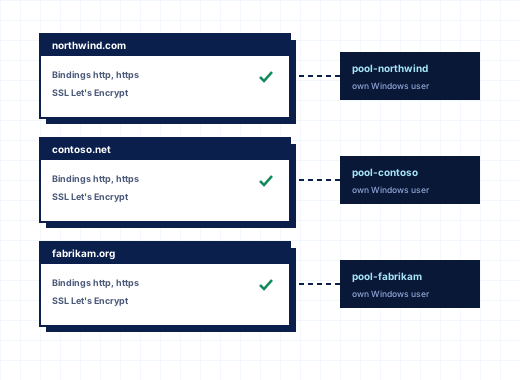
Each subscription runs under its own Windows user without administrative group memberships, in its own IIS application pool, in a webspace only that user, SYSTEM and Administrators can open. PHP runs as the same user with private temp and session folders, and subscriptions cannot list the folder that holds all webspaces. The Account Isolation page checks these conditions for every subscription, including a test that runs as the subscription user and tries to read another account's files, and repairs what fails. When the panel works on files, it never follows junctions or hard links, which closes a common way to reach files outside an account.
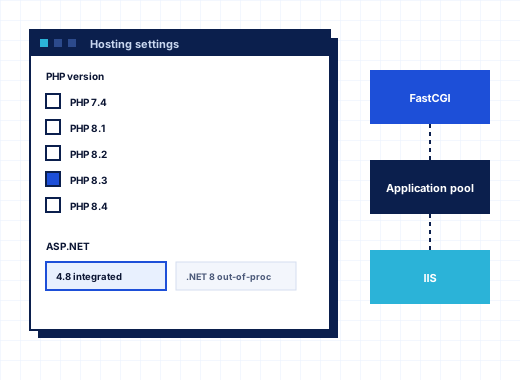
New PHP versions also disable the functions web shells use to start programs, such as exec, shell_exec and proc_open, and websites cannot turn them back on. See ASP.NET and PHP hosting.
Microsoft Defender for website folders and mail#
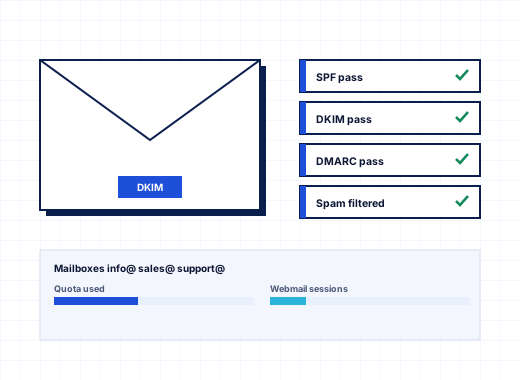
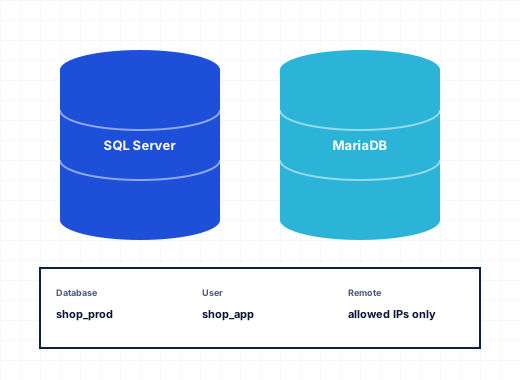
The installer adds Microsoft Defender when the server image lacks it and keeps it scanning website folders, where uploaded web shells and infected plugins land. Database data and backup folders, and the database server processes, are excluded from real-time scanning, because scanning open database files slows every query and can lock or damage them. stackregent defender-exclude adds those exclusions again at any time. Under Antivirus, Defender also scans mail as it is written to the queues and mailboxes, and quarantines infected messages before anyone reads them; see email hosting.
Domain and DNS abuse controls#
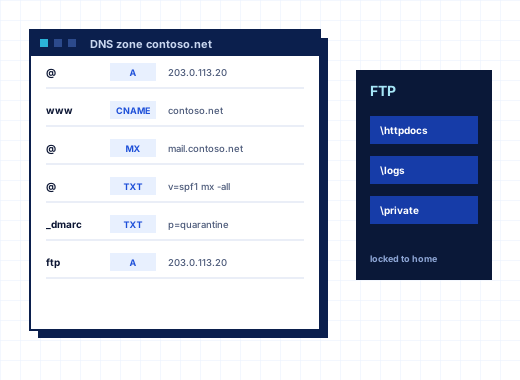
Prohibited Domain Names stops customers adding well-known domains such as gmail.com, and can refuse domains that already resolve to other servers. Restrict Creation of Subzones stops one customer from adding a subdomain inside another customer's zone.
Signed updates and component checks#
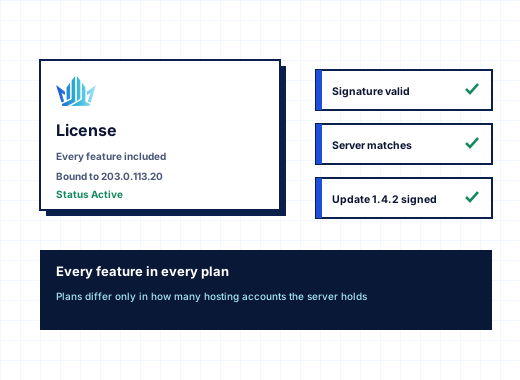
Security also depends on what gets installed. StackRegent updates come only from the license server and are installed only when their size, SHA-256 checksum and signature match the StackRegent release key built into the panel. Server components such as PHP, MariaDB or ModSecurity are checked against published checksums or Microsoft signatures before they run. See licensing and updates.
To report a vulnerability in StackRegent, write to support@stackregent.com or use the security contact form. To see the secure Windows hosting panel on your own server, start the 10-day trial.
Frequently asked questions
What happens if I lock myself out with a firewall rule?
Nothing lasting. After you click Activate, the panel asks you to keep the new settings, and if no answer comes within 60 seconds the previous rules come back. If you are still locked out, run stackregent firewall-reset on the server console.
Does StackRegent protect Remote Desktop from brute-force attacks?
Yes. IP Address Banning watches Remote Desktop and Windows logons along with the panel, FTP, mail, protected folders, SQL Server and MariaDB, and bans addresses in Windows Firewall after the number of failures you set. You can also limit Remote Desktop to listed addresses on the Firewall page.
Which web application firewall does StackRegent use?
ModSecurity 2.9 for IIS with the OWASP Core Rule Set 4. It can be off, in detection-only mode or blocking, per server or per website, and rules can be switched off by ID, tag or message.
Does the WAF inspect POST form data?
No. It checks addresses, query strings and headers. ModSecurity for IIS loses form data when it reads request bodies, which would break ASP.NET logins and forms, so bodies are not inspected.
Can customers use two-factor authentication?
At present, two-factor authentication with an authenticator app is available for administrator accounts. Customer and reseller accounts log in with a login and password that must meet the server's password policy.
How are passwords stored?
Panel logins are stored only as bcrypt hashes. Passwords the server has to reuse, such as database or remote storage credentials, are encrypted with Windows DPAPI, and this cannot be switched off.