· StackRegent Team · 1 min read
StackRegent 0.17.17 released
SSL/TLS: mail (SMTP, IMAP, POP3) and FTPS present one certificate for the whole server. On a website's SSL/TLS page, Certificates of mail and FTP now lists only server pool certificates and explains this; choosing a website's own certificate gave an unclear error. Also includes 0.17.16: on Windows Server 2016 the installer installs .NET Framework 4.8.
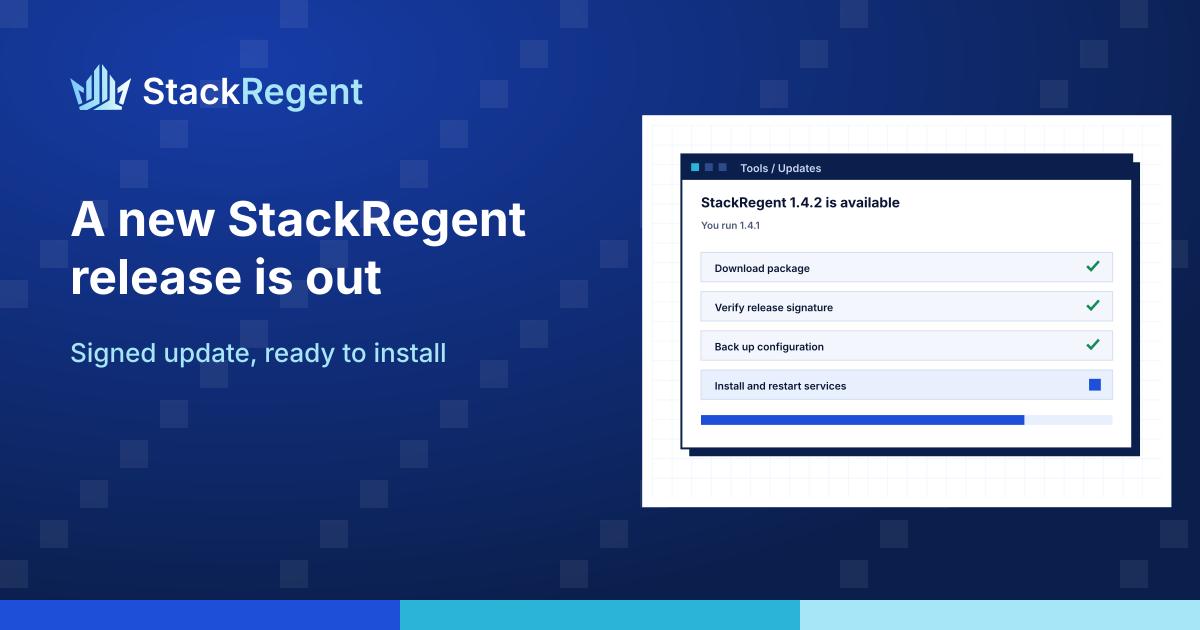
StackRegent 0.17.17 is out for every licensed server. Your panel finds it at its next update check, and you install it from Tools & Settings > Updates in the administrator panel.
What is new in 0.17.17#
SSL/TLS: mail (SMTP, IMAP, POP3) and FTPS present one certificate for the whole server. On a website's SSL/TLS page, Certificates of mail and FTP now lists only server pool certificates and explains this; choosing a website's own certificate gave an unclear error. Also includes 0.17.16: on Windows Server 2016 the installer installs .NET Framework 4.8.
How to update#
- Open Tools & Settings > Updates and click Check now.
- Click Install. The panel restarts for a few seconds; websites, mail and DNS keep running during the update.
- Check the version shown at the foot of the panel.
Every release is signed with the StackRegent release key, and the panel installs it only when the size, SHA-256 and signature match. Read the full release notes, the changelog and the updating guide. New to StackRegent? Start a free trial on your own Windows Server.